

Intelligence stays on your device.
Built with Apple Intelligence, the technology behind Siri AI. The app uses Apple’s on-device model to understand your entries, without sending them to an AI server.
 My Daily Totals
Track expenses and income as easily as sending a message. Put AI to work for your finances, privately on your device. Optional encrypted iCloud sync keeps your records together across devices.
Available in beta. Supports iPhone, iPhone Duo, iPad, and Mac.

Recorded before the My Daily Totals name and logo update.
“Coffee was $18.50.” “I earned $1,500 from shop sales.” Just say it naturally. Add a category, project, or the finer details whenever you’re ready.
Choose an example to see it captured.
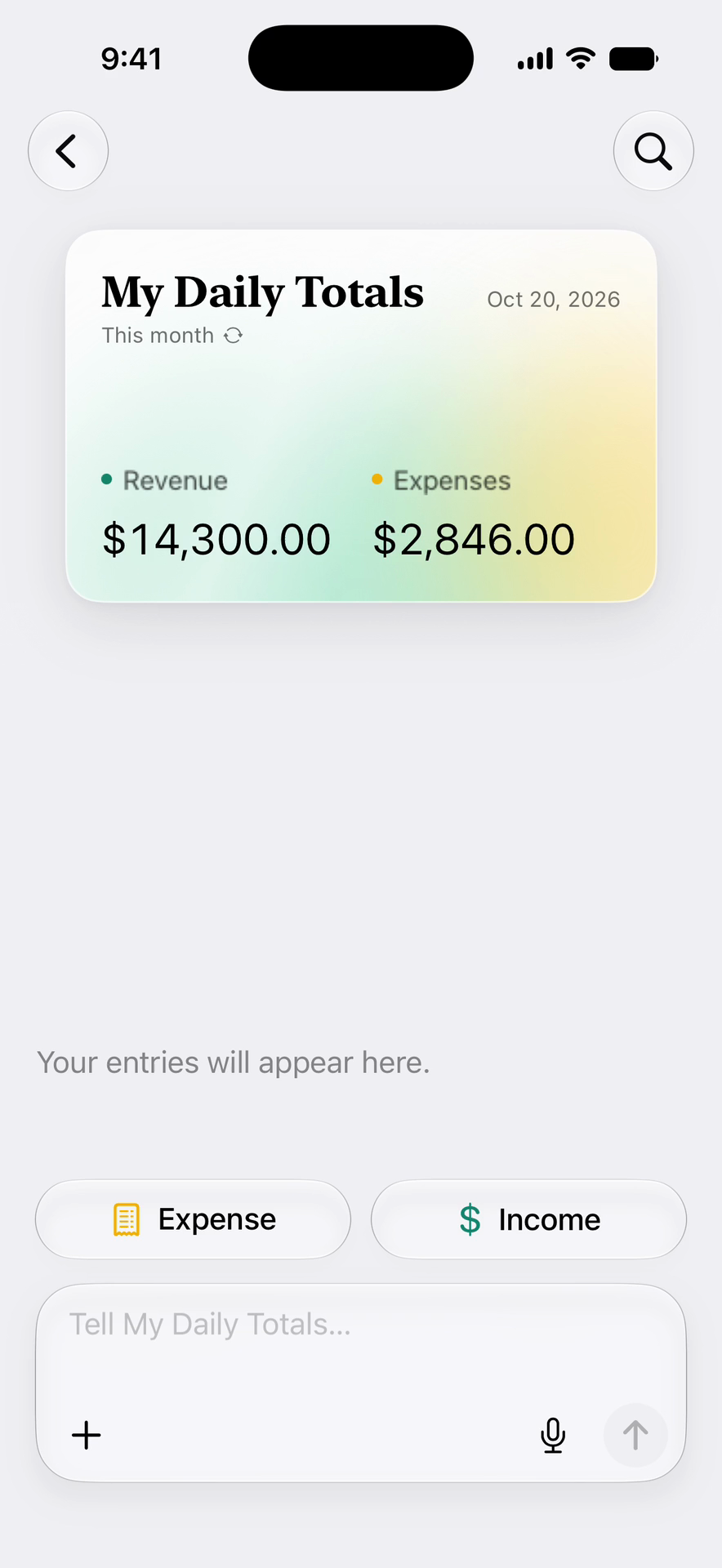
For work. For home. For you.
A client payment. A rental repair. The weekly groceries.
See how it fits into the things you do.
Your work. Your money.
Keep client payments, software subscriptions, and project expenses together. Give each client or project its own space, so the details are there when you need them.
Try saying “Received $2,400 for the brand project”
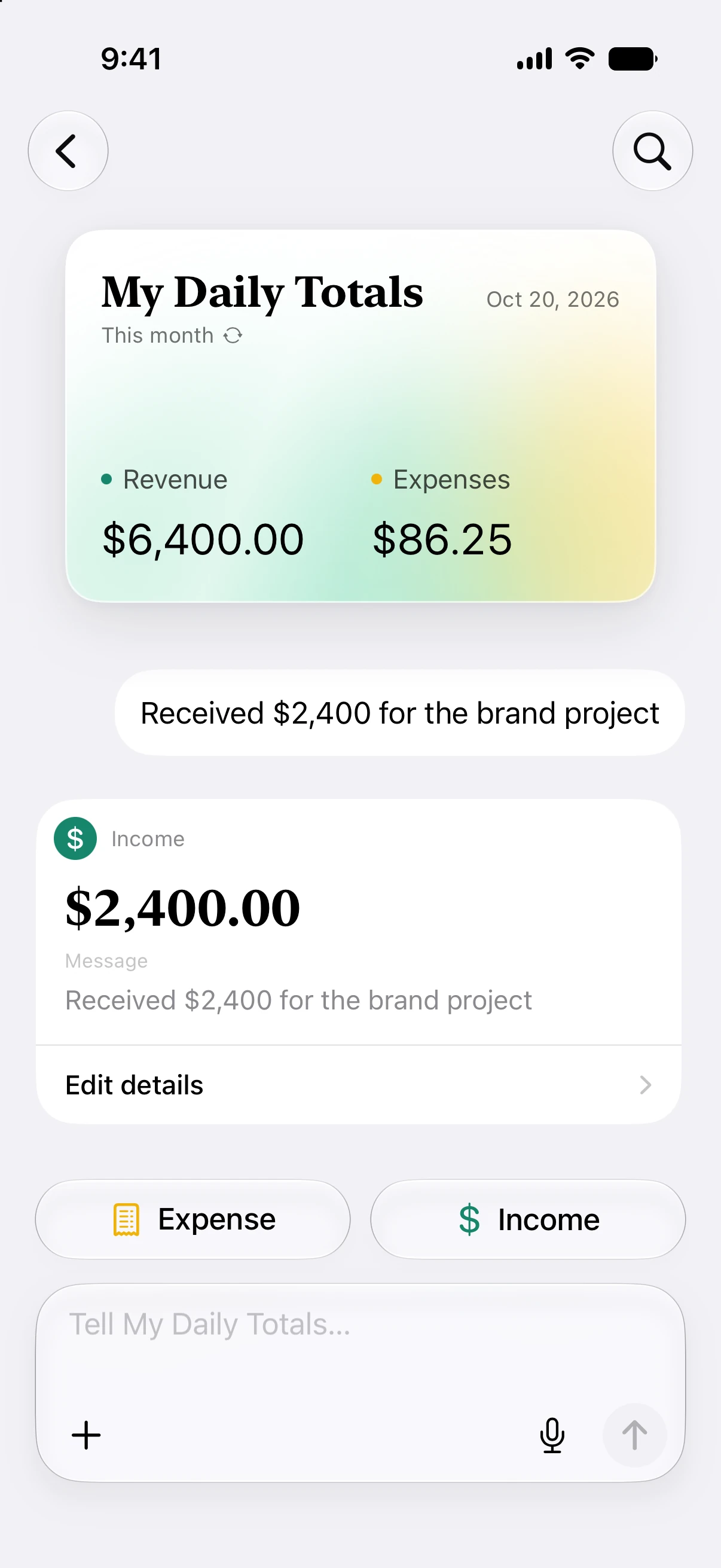

Your income, your spending, your financial picture.
Useful intelligence. Personal information that stays personal.
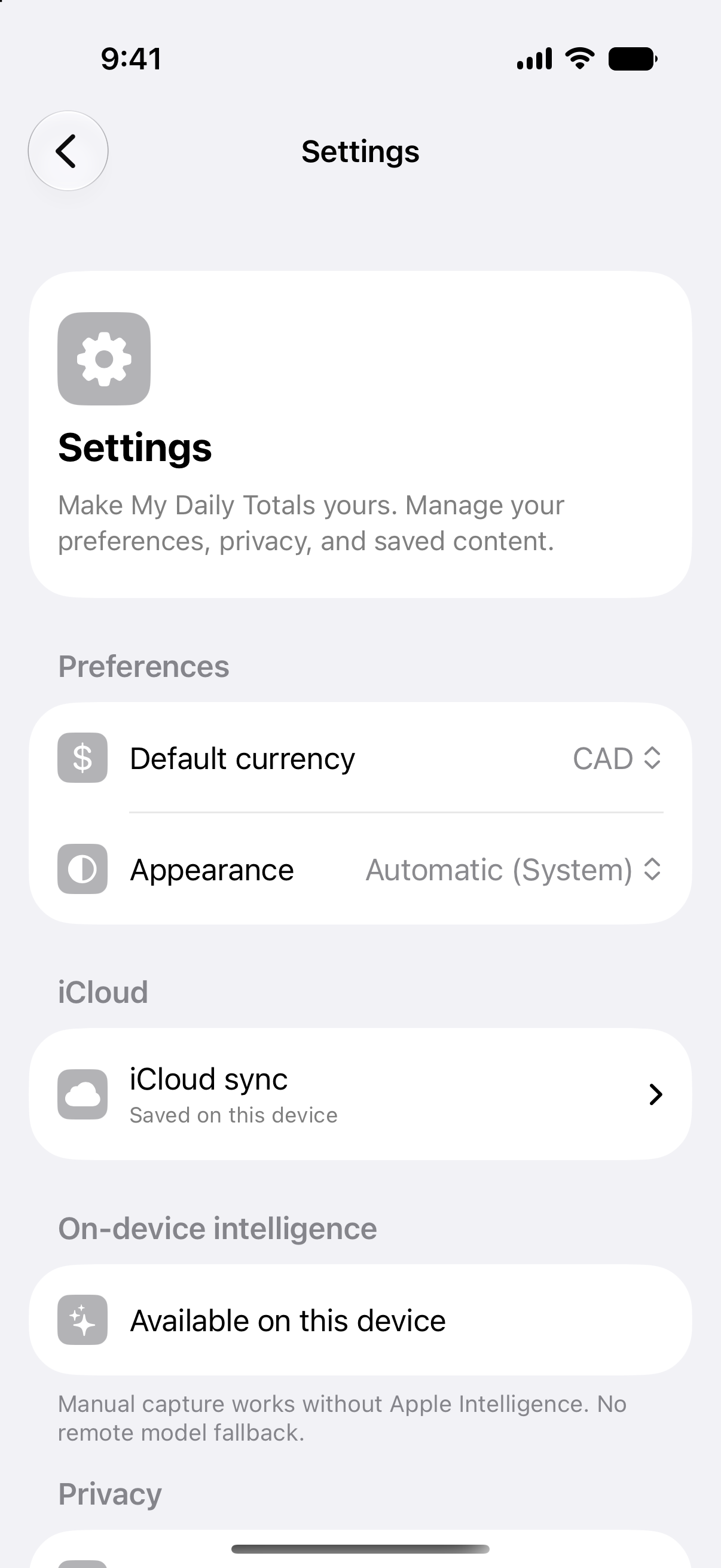
Built with Apple Intelligence, the technology behind Siri AI. The app uses Apple’s on-device model to understand your entries, without sending them to an AI server.
Capture and organize your finances offline. Your records stay on your devices, ready whenever you need them.
Keep your records in sync across your Apple devices through your private iCloud account. Sync is optional, and content is encrypted before upload.
AI features require a compatible device with Apple Intelligence enabled. Manual capture is always available. Read our Privacy Policy.
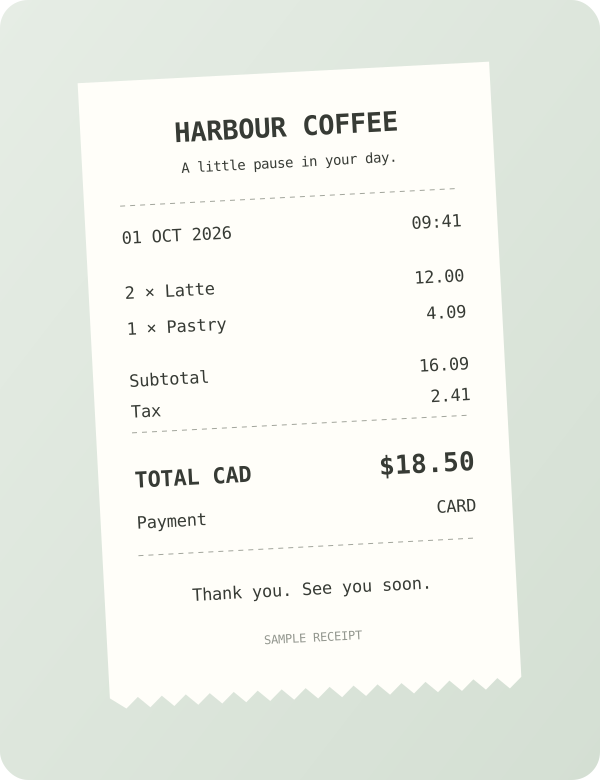
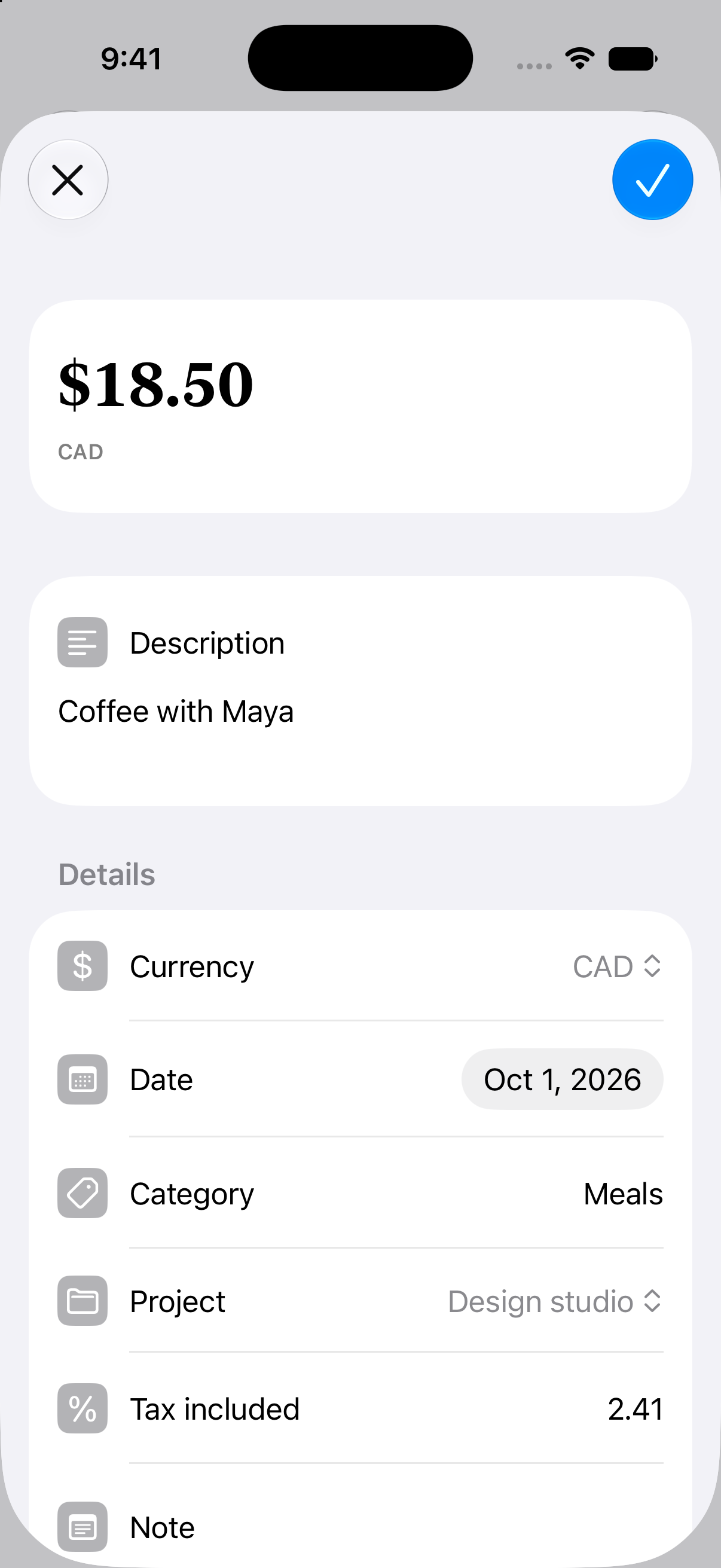
A receipt. A record. No retyping.
Add a receipt photo. The app reads the total and tax on your device, ready for you to review.
Always in the know.
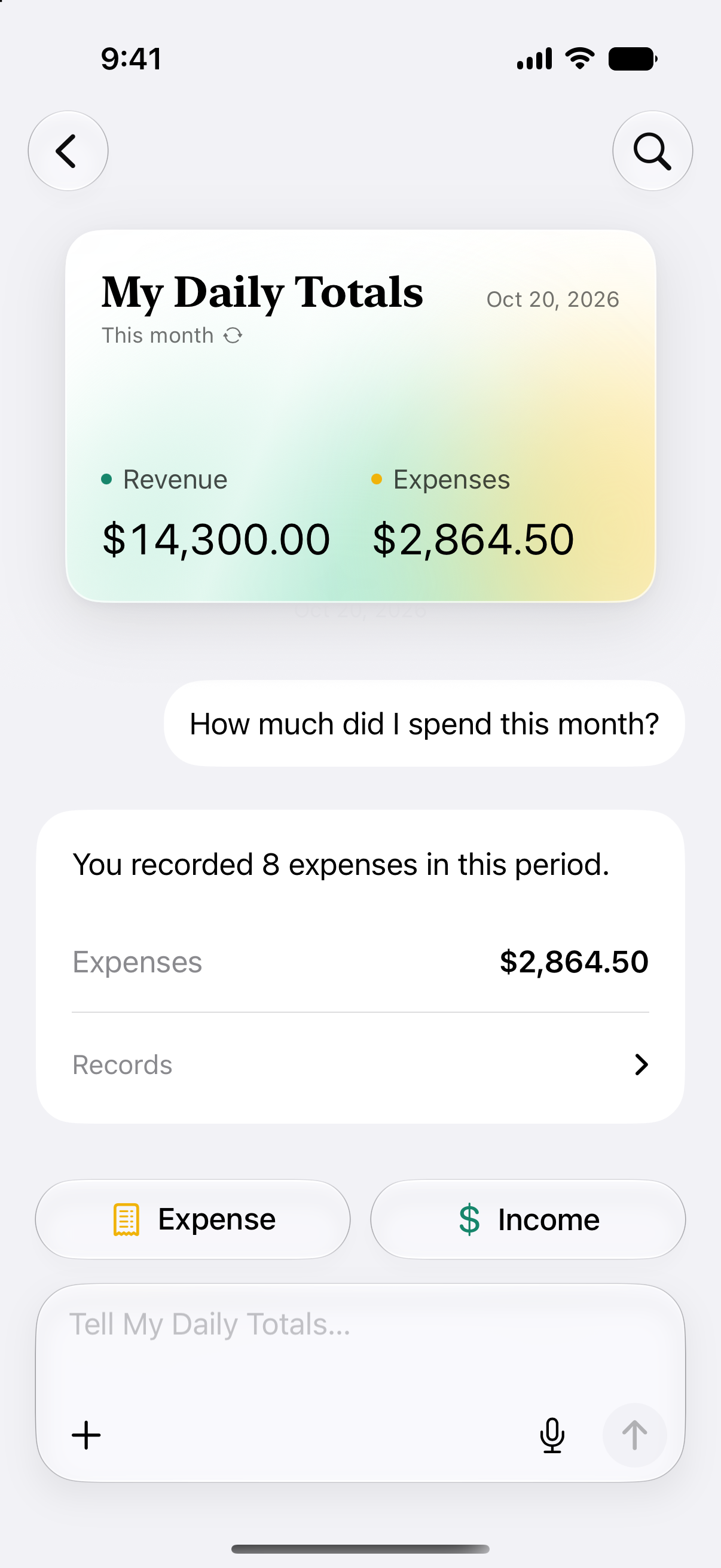
Ask a question. Get a clear summary. See what came in, what went out, and where your money went, without digging through your records.
Answers from your records. AI on your device.
Your finances, wherever you are.
Capture a payment on your iPhone. Review the bigger picture on iPad or Mac. Optional encrypted iCloud sync keeps your records together.

The person behind the app
I’ve wanted to build this for years. A simple, thoughtful app for keeping track of money, where something so personal stays private.
The idea began with Evey Events, the SaaS business I co-founded, bootstrapped, and later sold. It was my first experience tracking business revenue and expenses, and keeping the books was a constant headache. Freelancing brought the same frustrations. So did managing my own money. I never found a tracking app I enjoyed using, or felt comfortable handing my financial life to another service on another server.
Now, the technology has caught up with the idea. Speak an entry and it’s transcribed on your device. Scan a receipt and its details are read there, too. Ask questions about your records and get answers using Apple’s on-device model, the same one that powers Apple Intelligence. With on-device processing, your financial information isn’t sent to AI servers.
Optional iCloud sync keeps your records together across your Apple devices. Your entries are encrypted before they sync. Neither I nor Apple can read their contents. That’s the kind of privacy I wanted for my own finances, and the reason I built it.
I’m Levin Mejia-King. I’ve spent over 15 years designing and building software, including nine years at Trello and Atlassian, leading design at CoLab, and working independently with founders and teams. I hope you enjoy it.
Say hello levin@fourandthree.com